
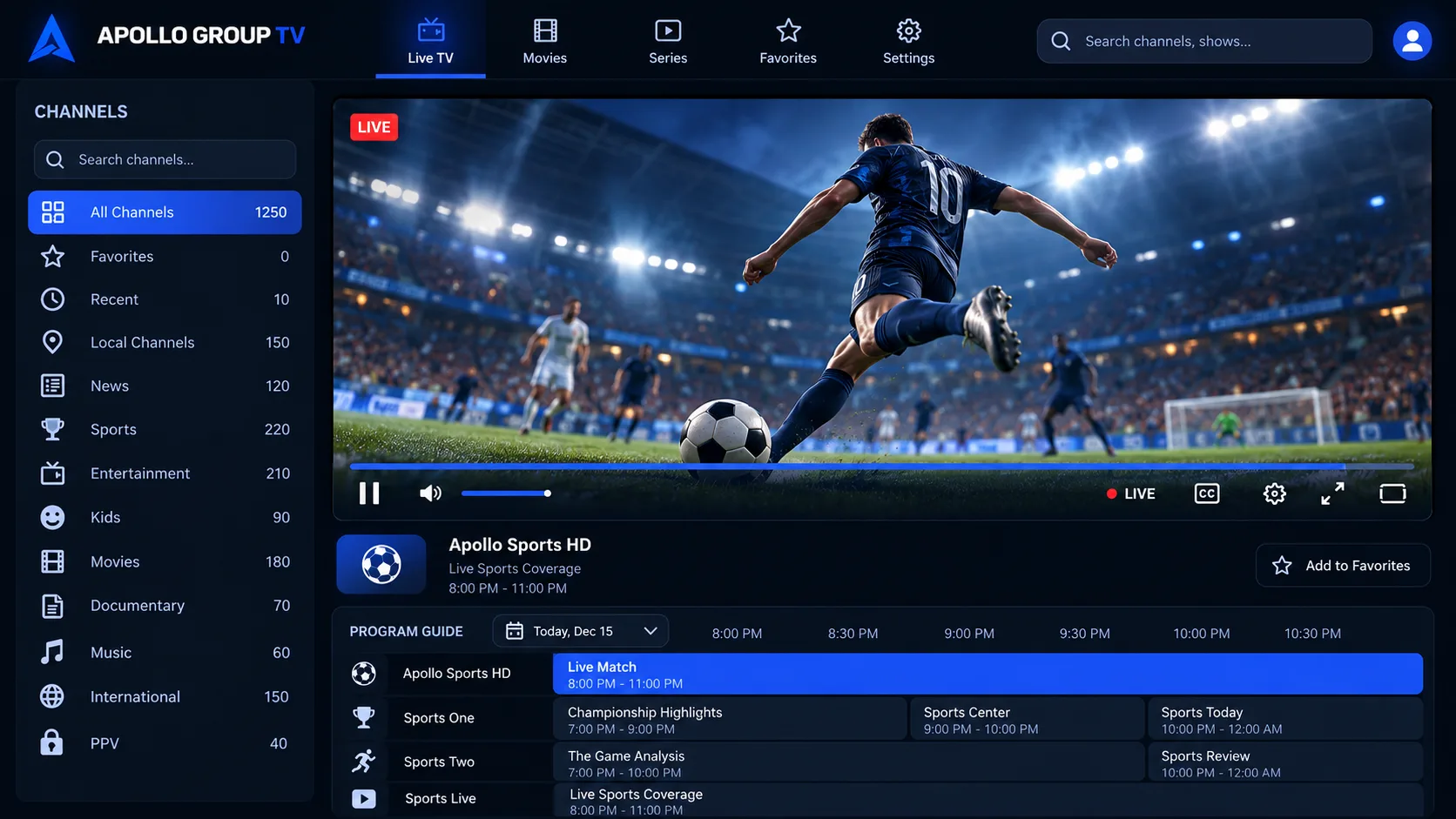
Live TV with guide
Browse channels by category and see what is on now and next in the built-in TV guide.
App & APK
The Apollo TV app is the Android player used to watch Apollo Group TV on Fire TV, Android TV, Google TV and Android phones. Install it with the Downloader app using code 9837964, then sign in with the login details emailed to you after you subscribe.
Details come from our app listing. If the code no longer works, message support for the current download link.
On Fire TV and Android TV devices, the app is installed with the free Downloader app rather than an app store. The whole process takes a few minutes.
9837964, then select Go.Device-specific steps and troubleshooting are in the Fire TV setup guide.
Browse channels by category and see what is on now and next in the built-in TV guide.
Open the on-demand section to play films and series episodes whenever you want.
Streams play in SD, HD, FHD or 4K depending on the title, your device and your connection.
Sign in with the username and password from your activation email. There is no separate account to create.
The Apollo TV APK only runs on Android-based devices. On iPhone, iPad, Apple TV, Samsung and LG smart TVs, and Windows or Mac computers, you use a compatible IPTV player app with the same login details.
Setup for every device →Apps installed outside an app store are not reviewed by Amazon or Google, so only install the APK from the code or link we provide. After installing, you can switch Install unknown apps back off for Downloader.
Other apps called Apollo TV? How to tell them apart →The app is free to install, but you need an active Apollo Group TV plan to sign in. Plans start with a 7-day money-back guarantee.